Upgrading to Pro
The Pro upgrade removes the ads and adds formant correction and the guitar stem in Track Isolation. You can upgrade Music Speed Changer iOS from the options menus in the "Listen Now" tab as well as f…

The Pro upgrade removes the ads and adds formant correction and the guitar stem in Track Isolation. You can upgrade Music Speed Changer iOS from the options menus in the "Listen Now" tab as well as from the editor using your Apple account.
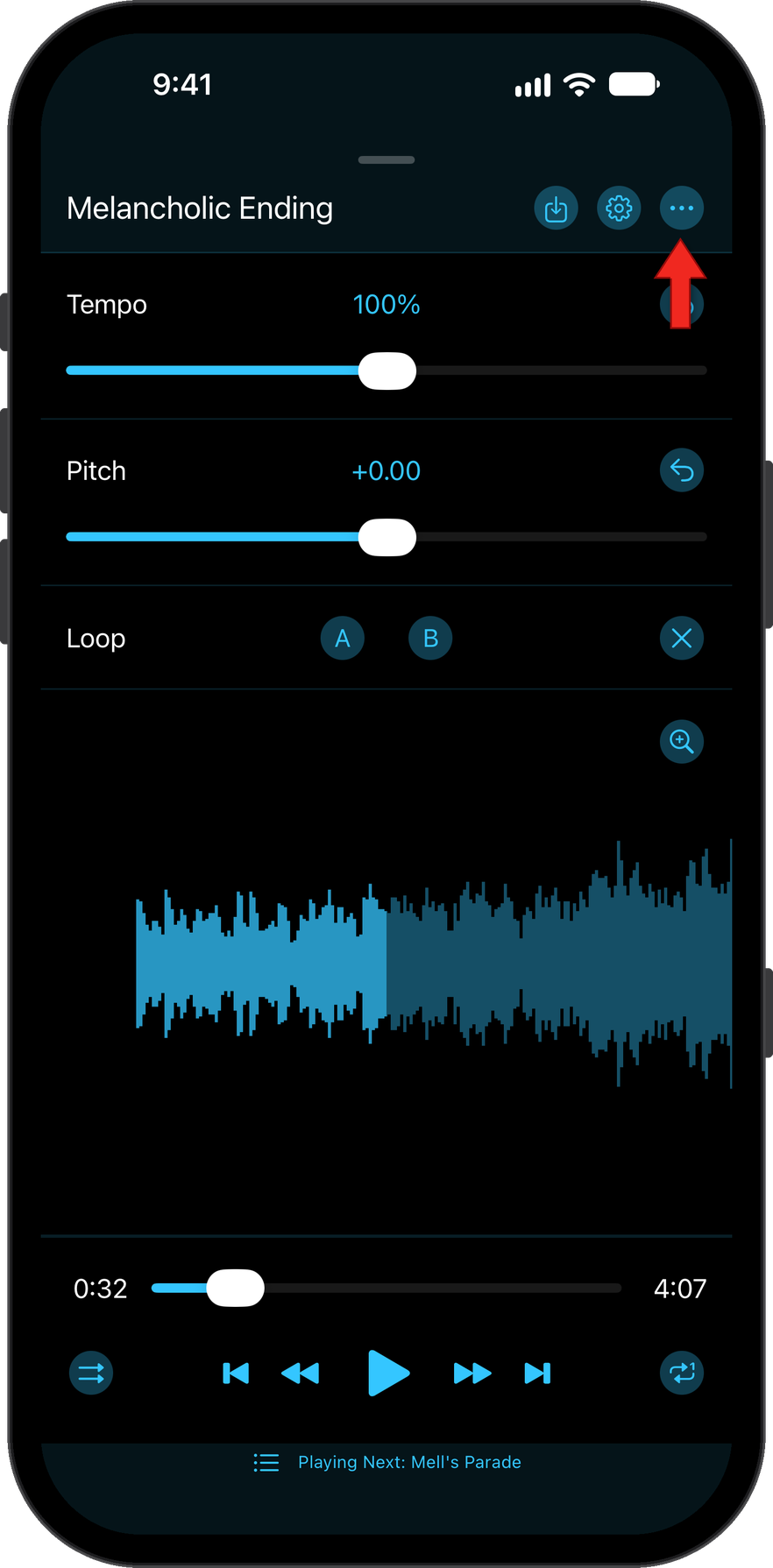
Tap the three dots to open the Options Menu.
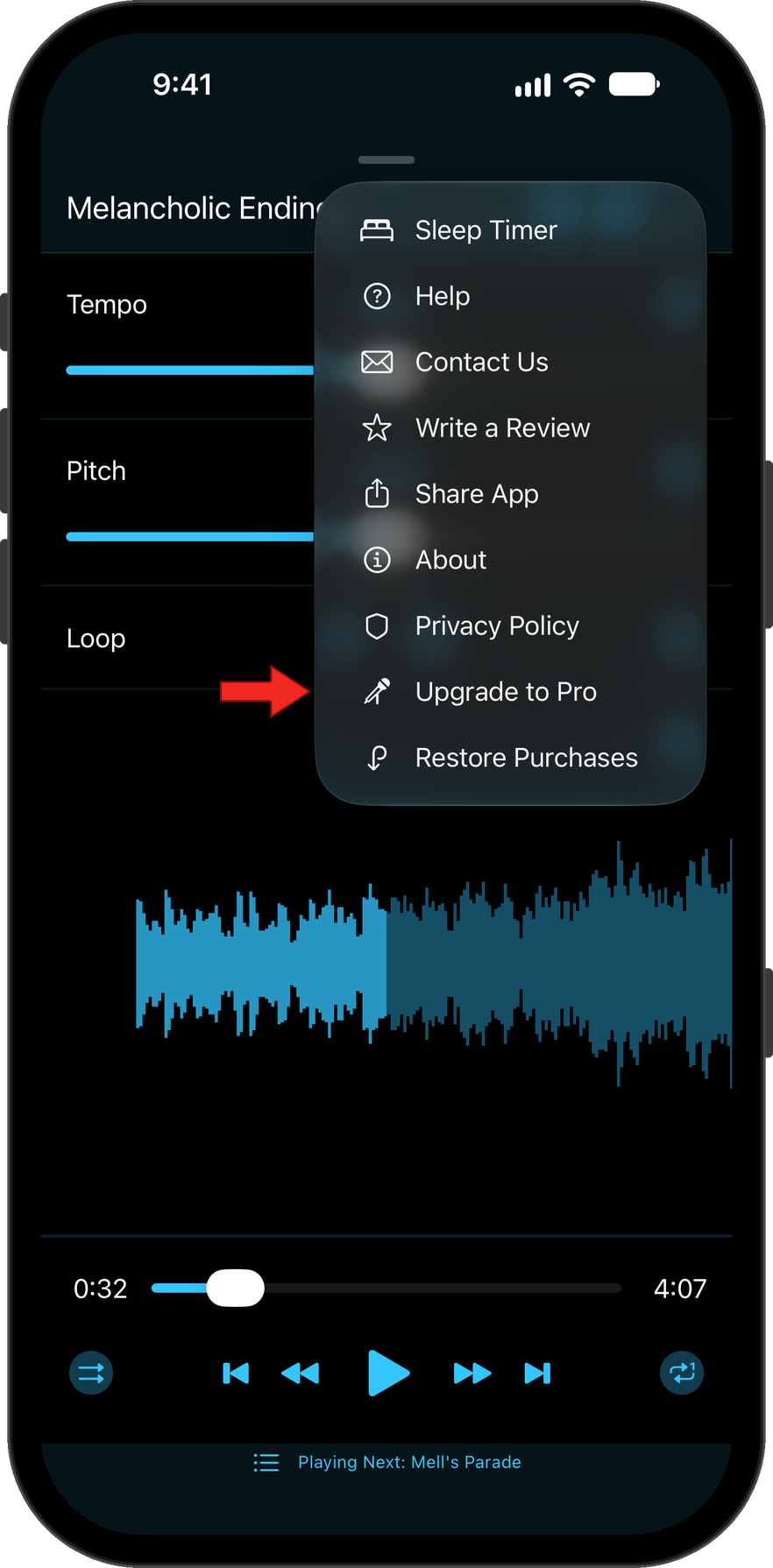
Select Upgrade to Pro.
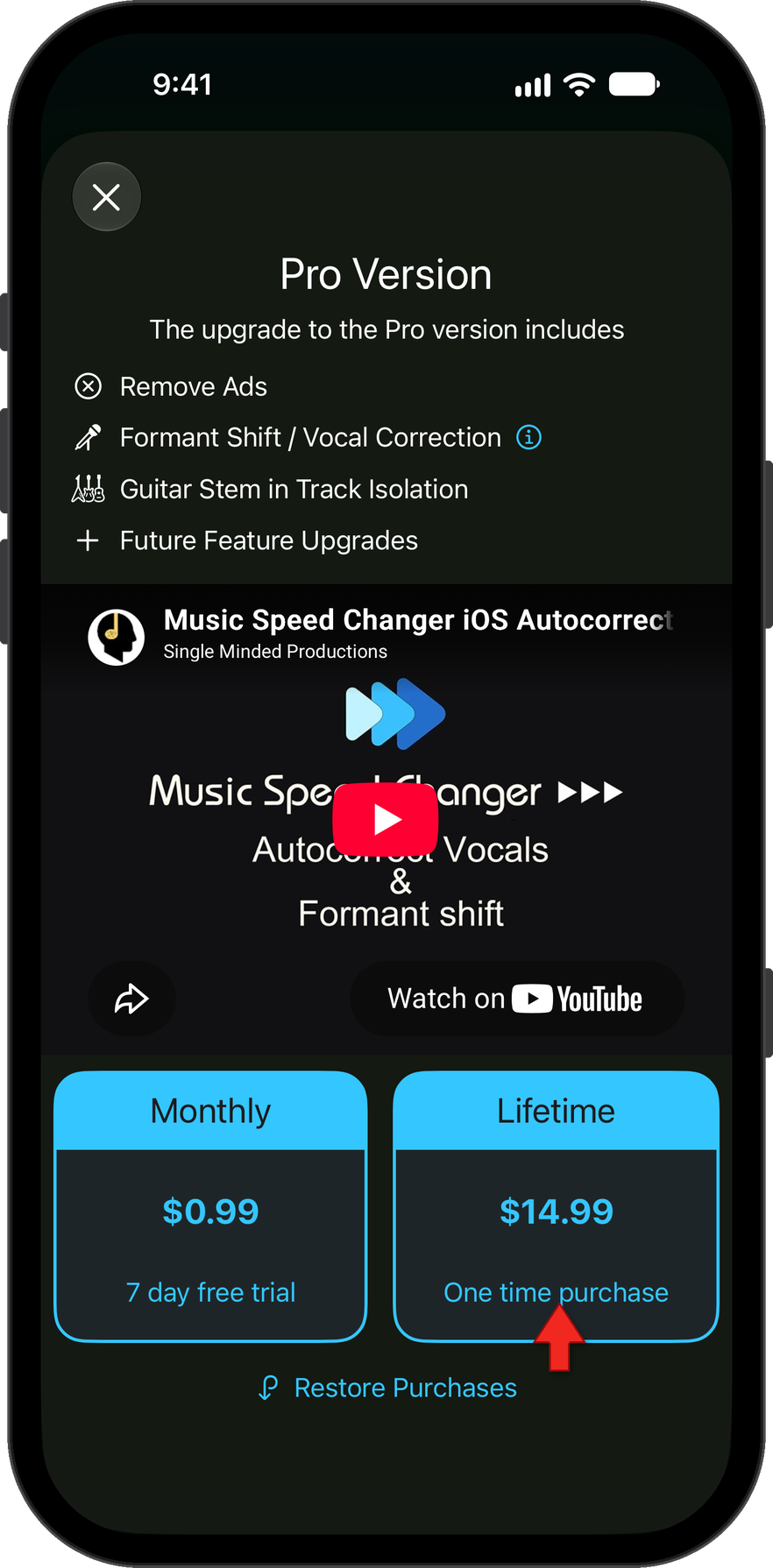
Choose Monthly, which starts with a free trial week for new subscribers, or Lifetime, which is a one-time purchase. Then double-click your device's side button to confirm with Apple.
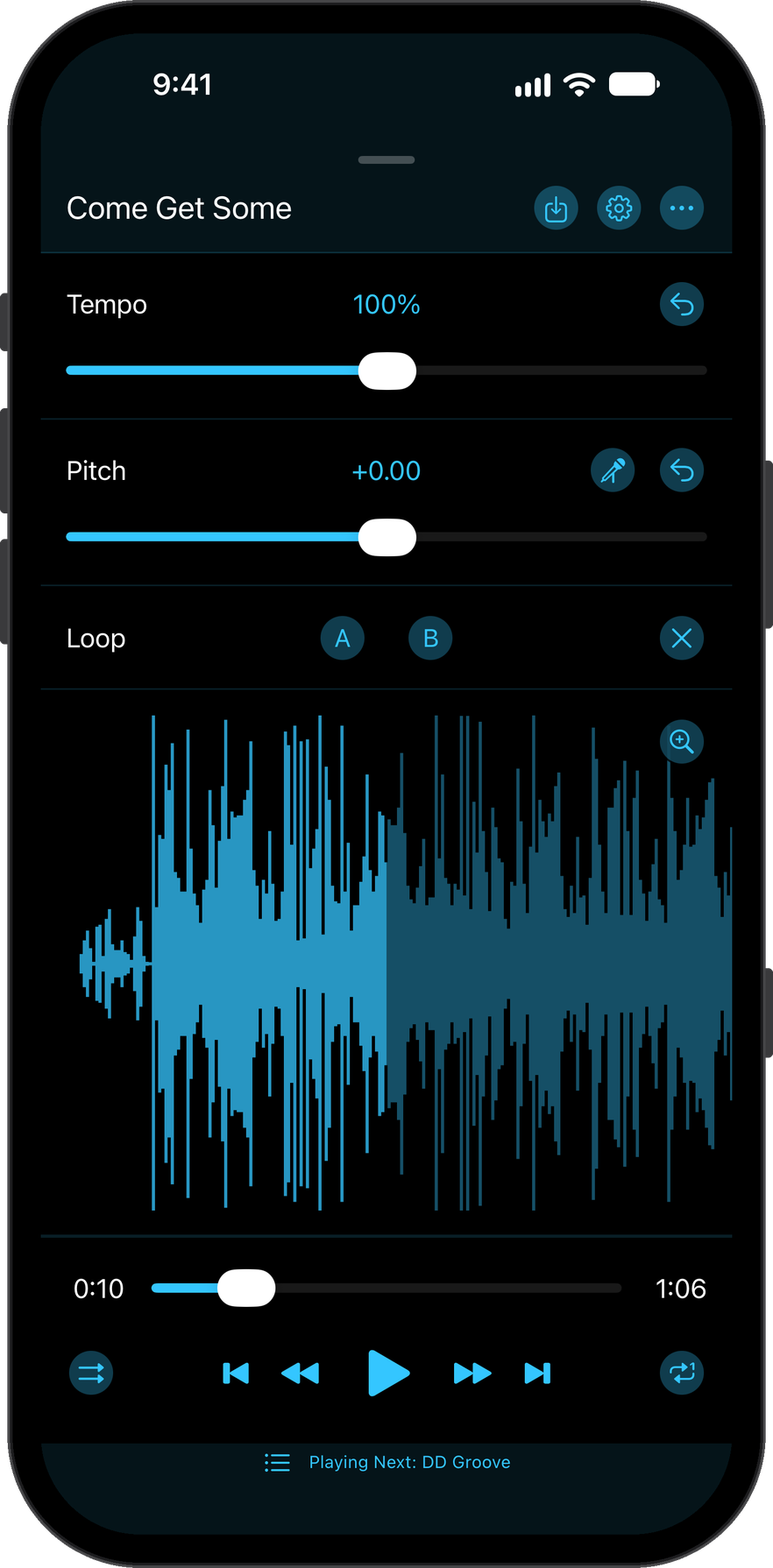
Enjoy the app ad-free with formant correction added.
Restore Purchase
After a reinstall or when moving devices, the ads in Music Speed Changer iOS will sometimes reappear. The license is tied to the Apple account used to purchase the app, so to re-apply the license, you need to validate your account from within the app to let Apple know it is you using the app.
Tap the three dots to open the Options Menu.
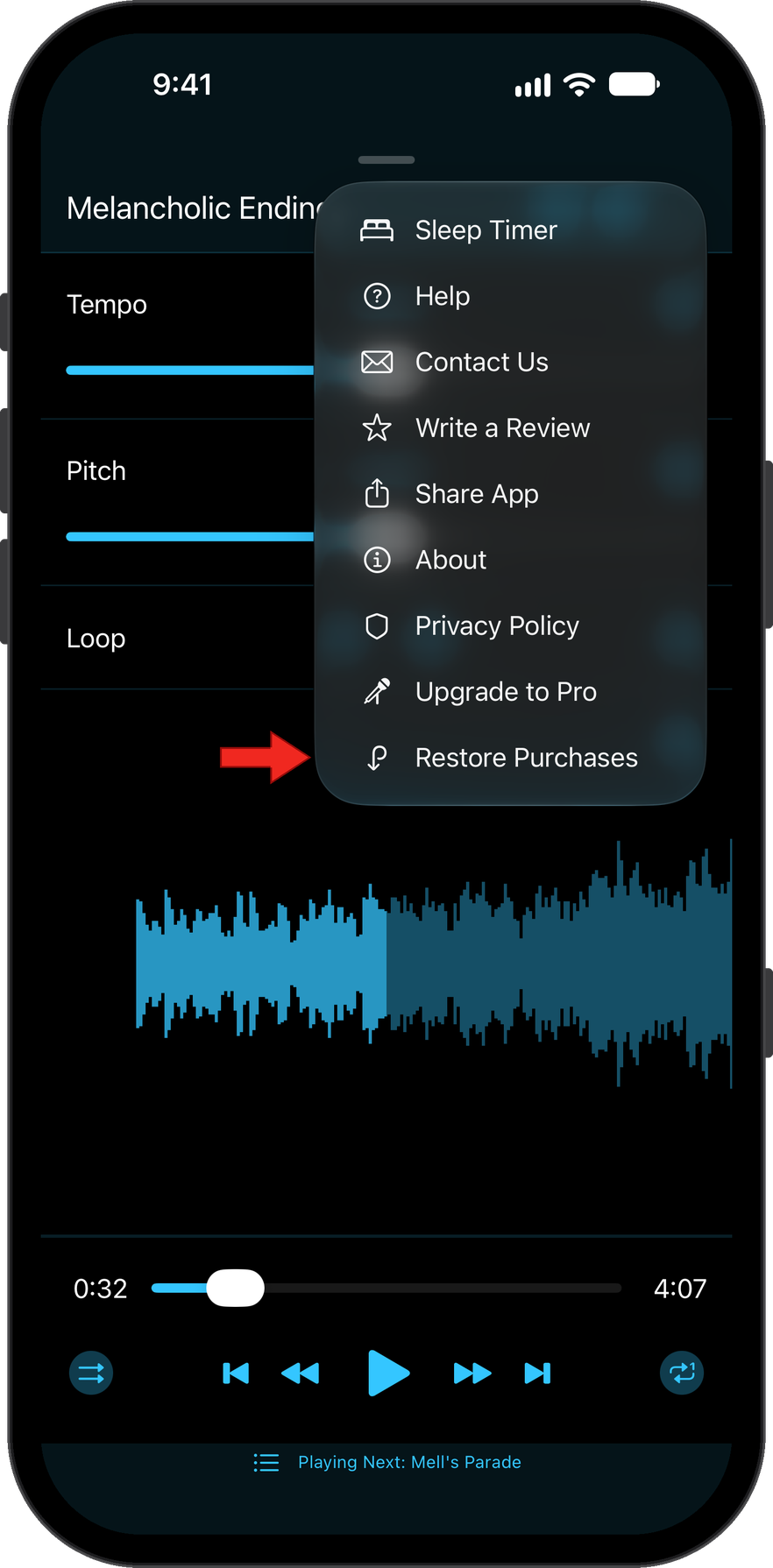
Select Restore Purchases.
How did we do?
Sleep Timer
VoiceOver in Music Speed Changer iOS
