Accessing Newly Created Tracks from the Files App
By default, the files are saved to an app internal folder, the contents of which are shown in My Creations. If you want to access the saved tracks from the Files app, select Save to Files as the last…

Updated
by Steve Myers
By default, the files are saved to an app internal folder, the contents of which are shown in My Creations. If you want to access the saved tracks from the Files app, select Save to Files as the last step of the saving process. This allows you to save to a location of your choosing.
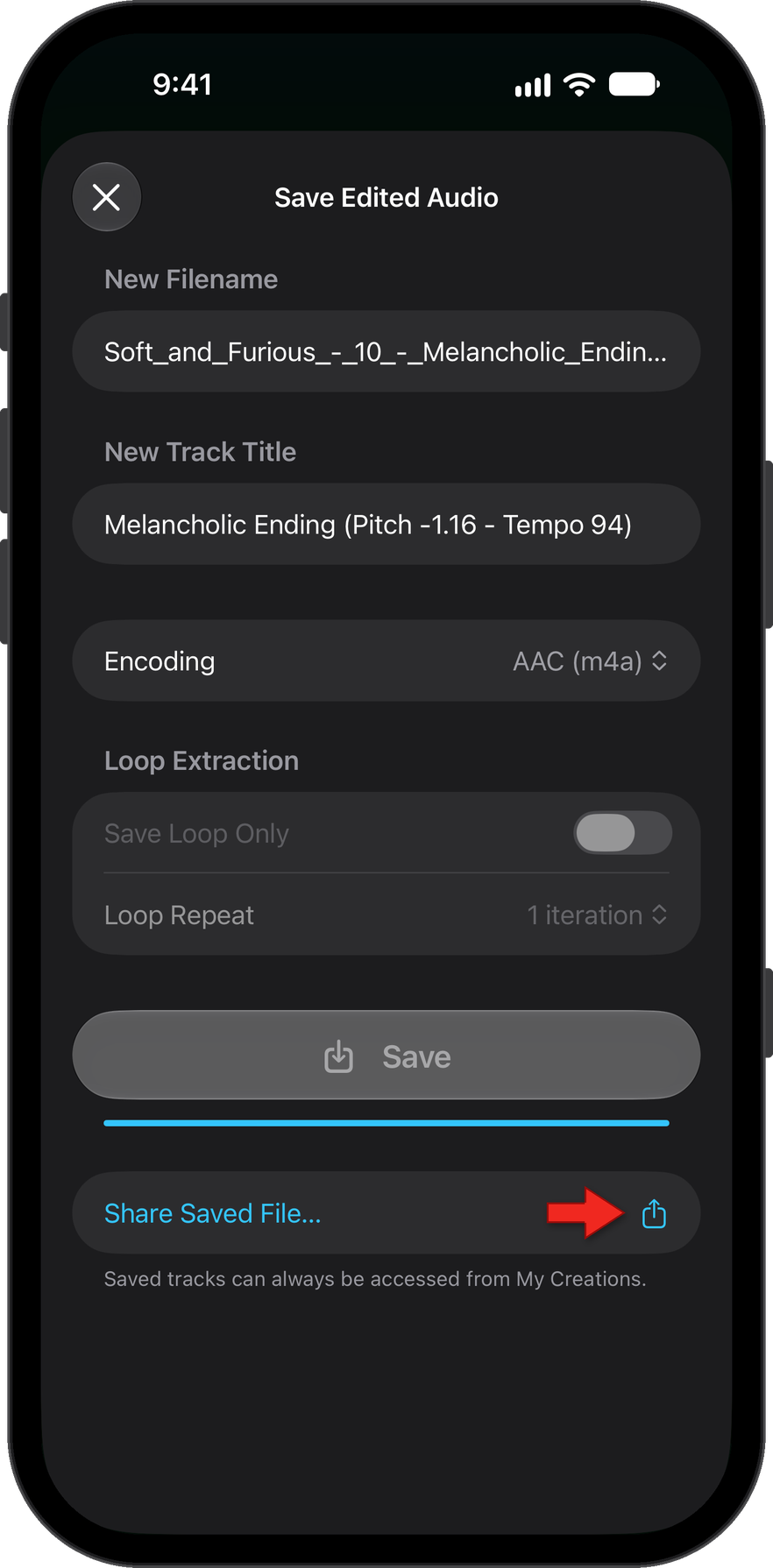
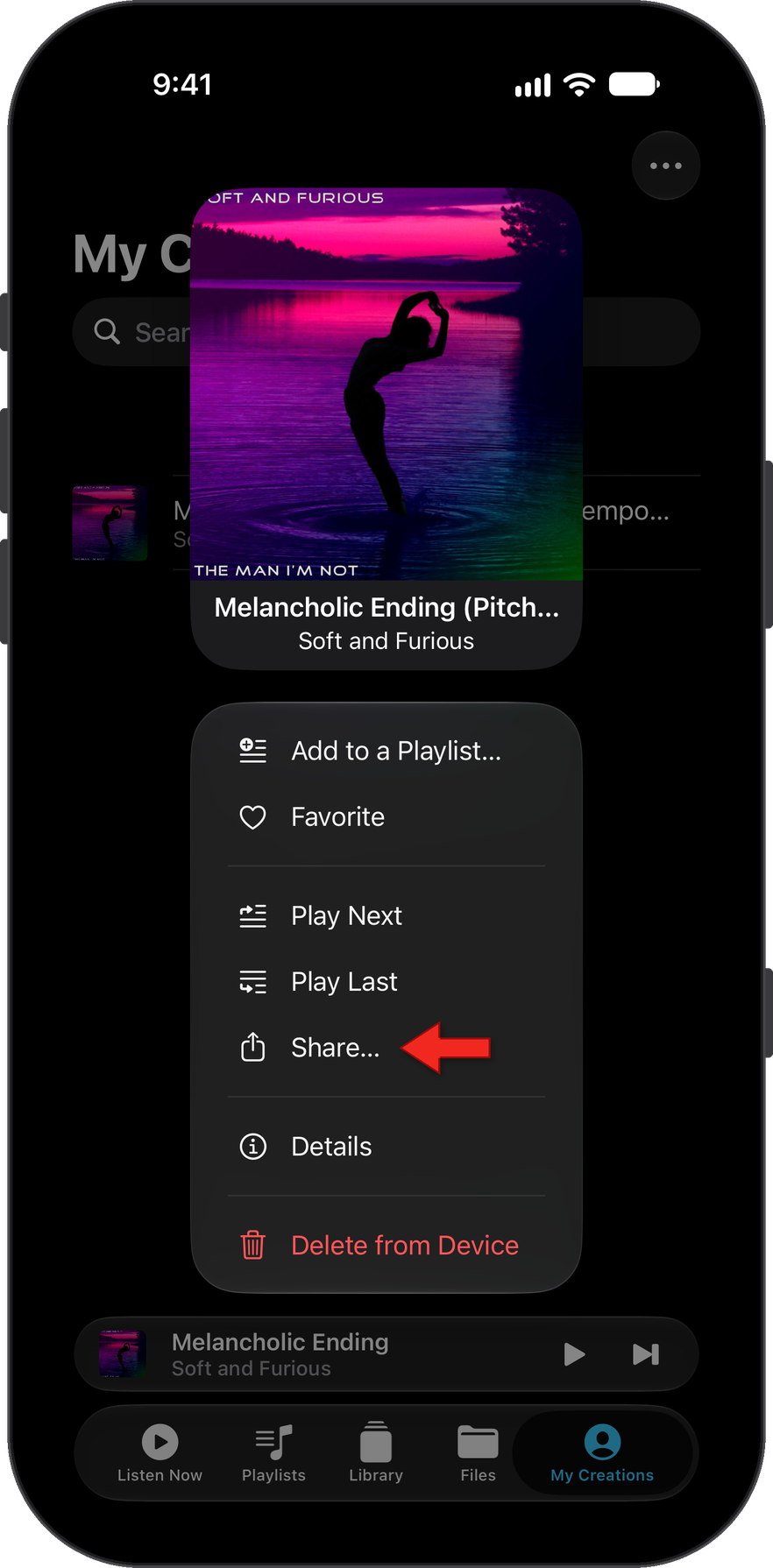
You can also Save to Files by long pressing on any track in the My Creations section after the initial save.
Step-by-step info on accessing MyCreations files outside of the app.
How did we do?
Access MyCreations Files from Outside of the App
