Waveform
The waveform is a visual representation of the audio in a track. The height of the wave shows the volume, so you can recognize the beats and see how loud the music is at any point in the track. You c…

Updated
by Steve Myers
The waveform is a visual representation of the audio in a track. The height of the wave shows the volume, so you can recognize the beats and see how loud the music is at any point in the track.
You can drag the waveform left or right to move to another point in the track.
Zooming In and Out
 |
Tap the magnifying glass at the top right of the waveform to choose a zoom level. |
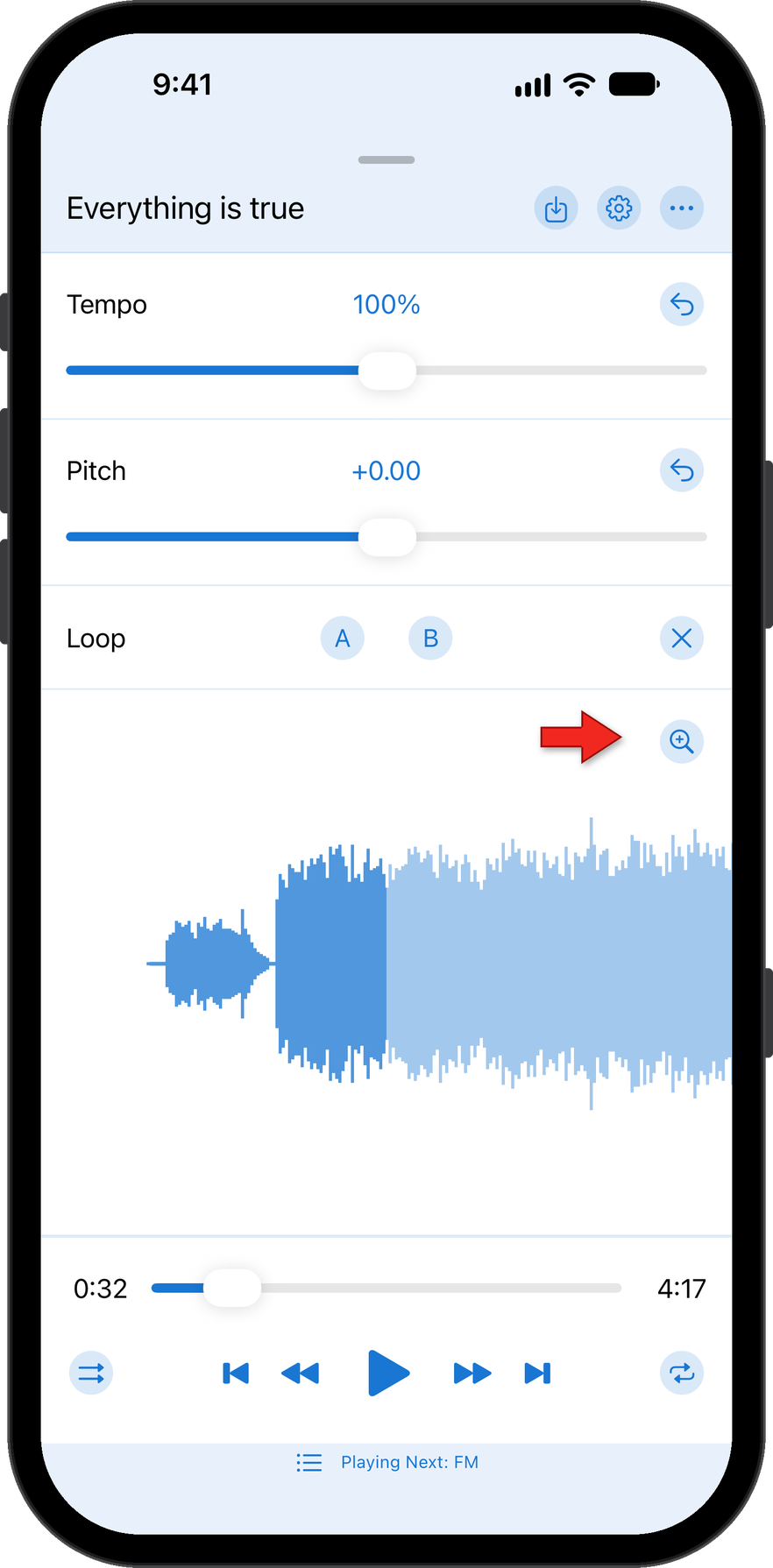
The zoom levels go from Level 0 to Level 10. Level 10 shows the most detail and makes the waveform the widest. Level 0 is zoomed out the furthest and gives the most compact view of the track's audio.
For locked Apple Music tracks, the waveform is a placeholder and does not match the audio. See Unlocked and Locked Tracks.
How did we do?
Formant Correction with Music Speed iOS
A/B Practice Loop Points
